
Author: Jamie Wheeldon

In today’s digital workplace, collaboration is essential—but repetitive tasks often slow teams down. From chasing approvals to manually updating project boards, these small inefficiencies add up. Microsoft Power Automate, part of the Power Platform, is designed to eliminate these bottlenecks by automating workflows across Microsoft 365 and beyond.
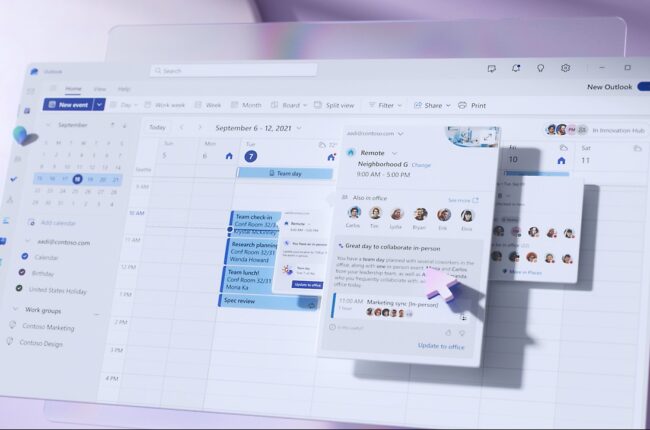
Hybrid work has transformed the way organizations operate. While it offers flexibility and autonomy, it also introduces new challenges for employees and facilities teams alike. Microsoft Places is designed to address these challenges head-on, creating a connected, intelligent workplace experience that integrates seamlessly with Microsoft 365.

You’ve heard the buzz. You’ve seen the demos. Microsoft 365 Copilot promises to be a game-changer, a powerful AI assistant that can summarize meetings, draft emails, and transform the way your team works. You’ve made the investment, but now the big question looms: how best to manage the Copilot Rollout so your people actually adopt and use it?

Microsoft 365 (M365) constantly evolves – new features and updates arrive in a seemingly endless stream. For most, this continuous cycle of change can be daunting. But with proactive management and a good adoption plan, you can turn constant updates into a competitive advantage rather than a source of frustration.
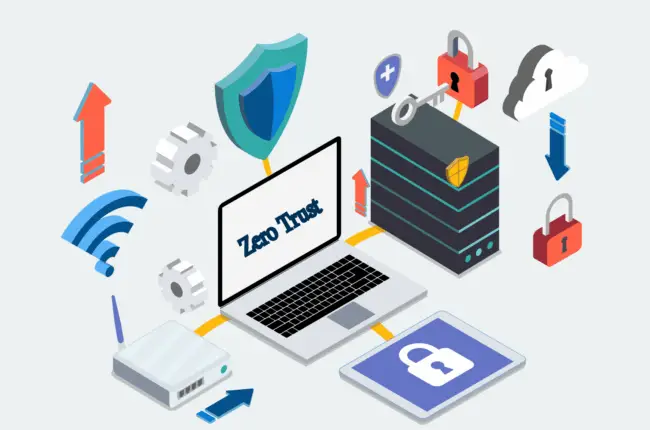
In today’s cloud-first, hybrid-work world, traditional perimeter security isn’t enough. Enter Zero Trust – a modern cybersecurity approach that treats every access attempt as if it comes from an untrusted network.

Microsoft Teams has become the dominant collaboration tool for many organizations, and this is likely to remain the case as Microsoft continues to add features and capabilities, making it the heart of the M365 suite. However, it’s strange how one of its most powerful collaboration features, B2B collaboration with Teams Connect, is so often under utilized.