
Connected Teams, Better Outcomes
Optimising Collaboration with Microsoft 365
Help your teams work smarter—using Microsoft 365 to connect, create, and collaborate with confidence
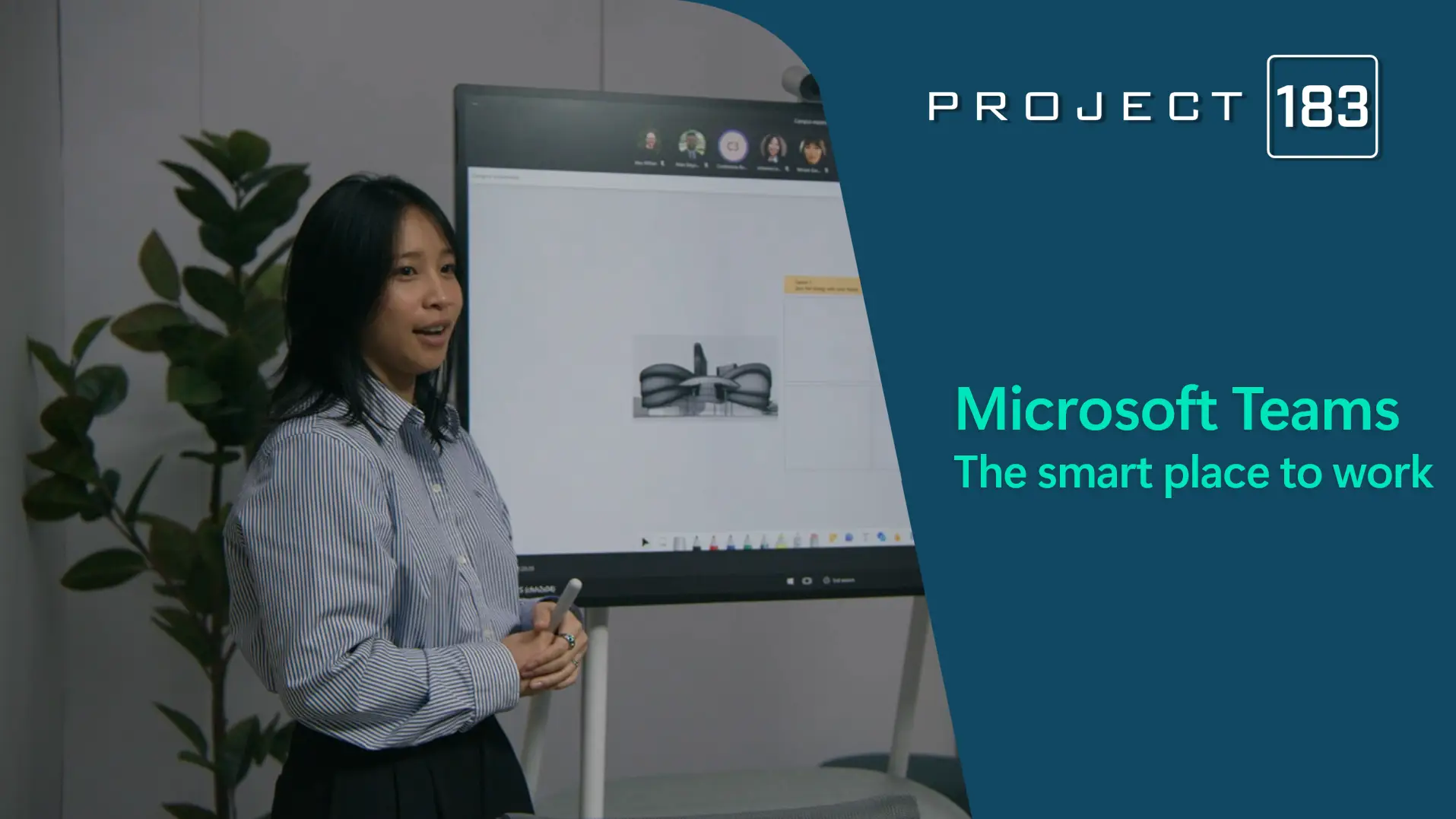
enabling collaboration
Organizations are looking for new ways to work
Today’s workplace is evolving rapidly, but many organizations are struggling to keep up. Employees feel overwhelmed by the pace of work, disconnected from their teams, and are demanding more flexibility. Providing for these demands whilst maintaining good governance can be challenging.
We feel like we can’t keep up
Say they struggle with the
pace and volume of work
We are seeking connection
Of employees feel disconnected
from their company
Hybrid is a part of work
Want flexible remote
options to stay
Protection is a priority
Of breaches involved
human element
Todays work demands a smarter workplace
The modern workplace is no longer defined by physical boundaries but by the ability to connect, collaborate, and innovate from anywhere.
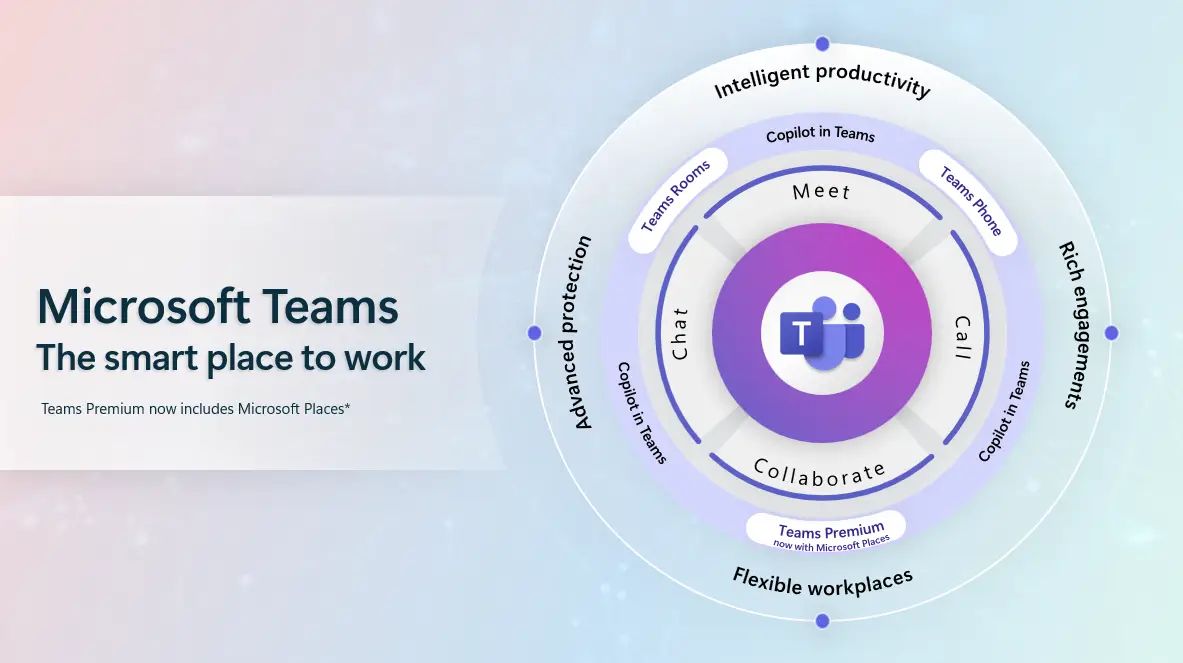
To meet these demands, businesses need a smart workplace—one that leverages intelligent tools and technologies to empower employees, foster meaningful engagement, and ensure operational resilience.
-
Intelligent Productivity
Unleash creativity, boost efficiency and improve speed of business
-
Rich Engagements
Foster deep connections through people-centred experiences
-
Flexible Workplaces
Designed to optimize hybrid working for a more connected workplace
-
Advanced Protection
Enabling your business to scale up whilst working flexibly, reliably and securely
Collaboration services
Empower your People and Unlock Agility
Effective collaboration is at the heart of every successful organisation. PROJECT 183 supports organisations in making the most of Microsoft 365 to build smarter, more connected ways of working.
Accelerate productivitiy
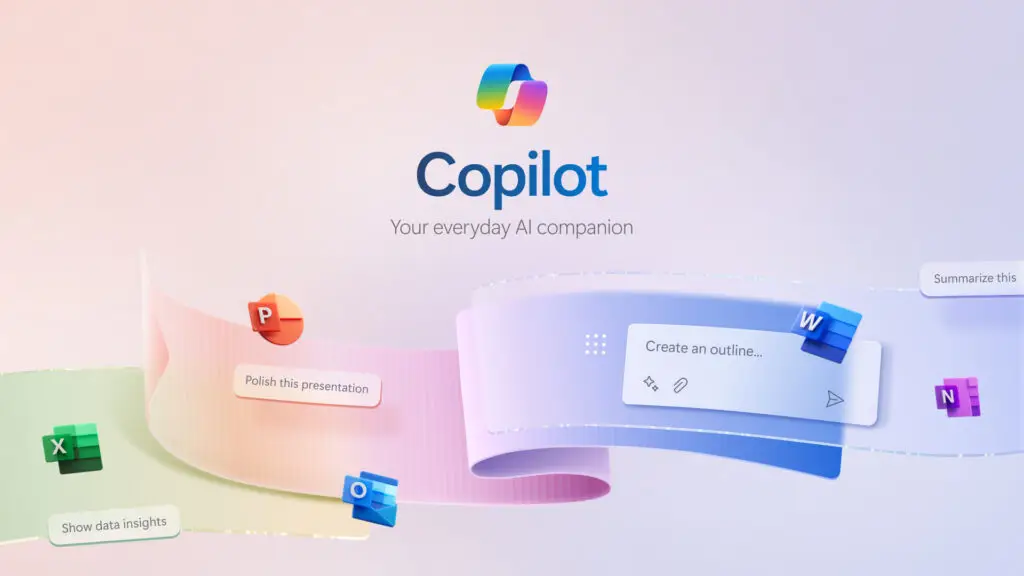
Microsoft 365 Copilot
Enable smarter decisions with AI-powered access to organisational knowledge and context-aware recommendations.
Enable flexible working
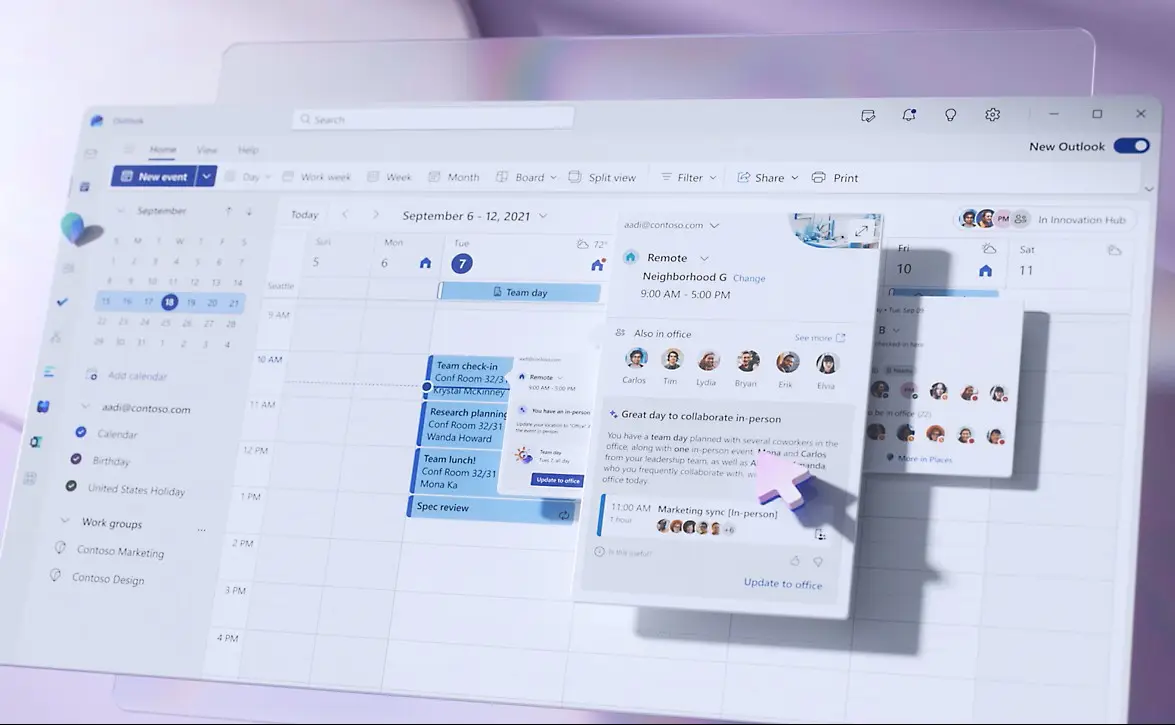
Microsoft Places
Enable flexible working with real-time visibility into where teams are working and how spaces are being used.
Smart workplace collaboration
Microsoft Teams
Modernise communication with intelligent calling, presence, and AI powered meeting experiences that adapt to how and where people work.
M365 copilot
Accelerate Productivity with Enterprise-Aware AI
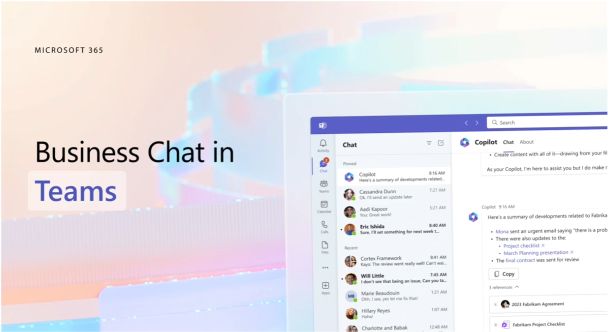
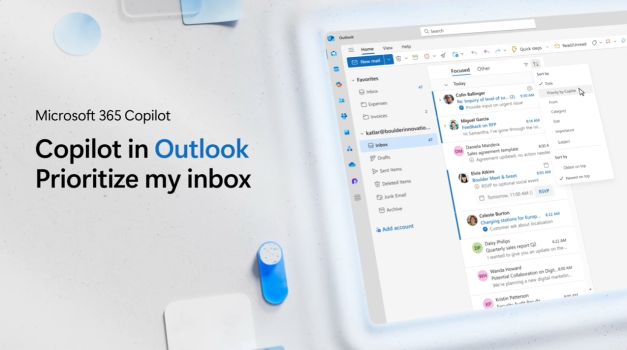
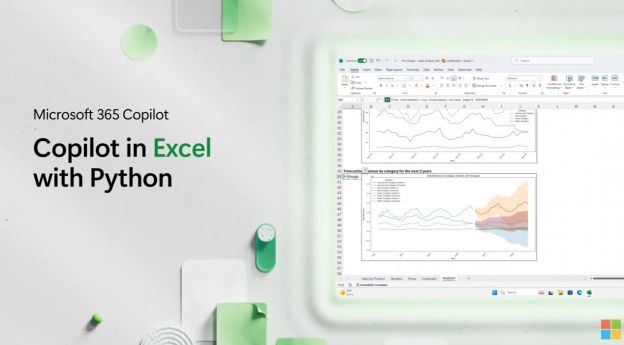
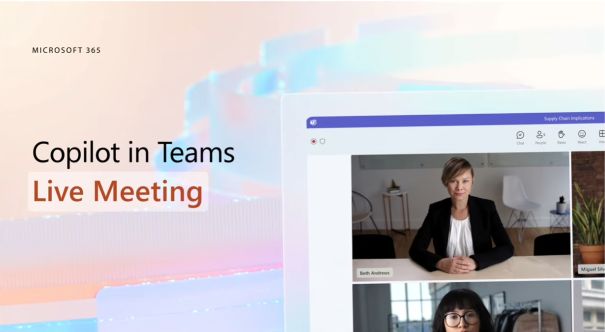
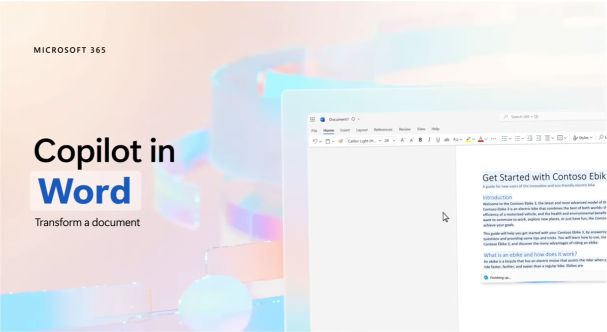
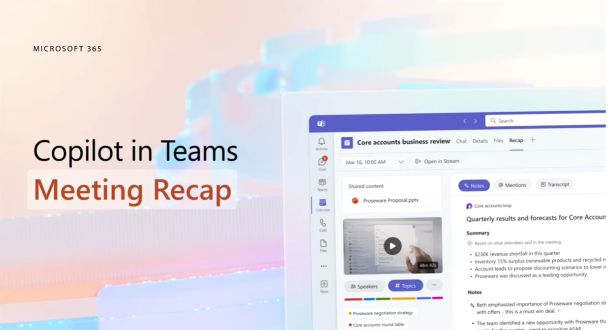
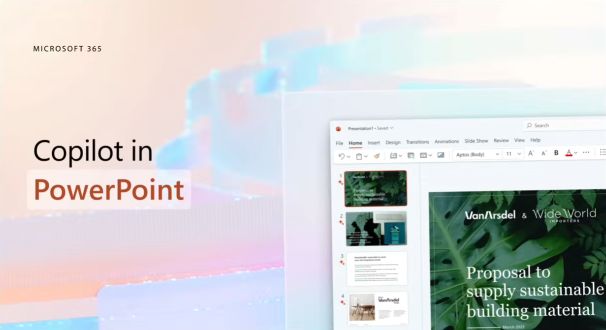
Whether you’re drafting emails, analysing data, or summarizing meetings, Microsoft 365 Copilot helps you work faster, smarter, and with less hassle – right from within the apps you already use.
Grounded in your company data, Microsoft 365 Copilot takes the free Copilot Chat experience to the next level by connecting to your organisation’s internal emails, documents, calendars, and more—all while keeping enterprise-grade security and compliance front and centre. Because it’s embedded directly into the Microsoft 365 suite, it fits seamlessly into your existing workflow, boosting both productivity and collaboration across teams.

Todays work demands a smarter workplace
Adopting Microsoft 365 Copilot isn’t just about switching on a new feature—it’s about making sure your organisation is ready. Many businesses struggle with fragmented data, unclear governance, and low user engagement, which can limit the impact of Copilot before you even start.
Trust our experts to lead your deployment and unlock value fast.
-
Prepare Your Environment
We assess your M365 setup, clean up data access, and ensure security and governance are in place—so Copilot works effectively from day one.
-
Deploy with Confidence
We guide you through a tailored rollout, handling configuration, licensing, and readiness across your apps to ensure a smooth launch.
-
Drive Adoption & Value
We support your teams with training, practical use cases, and change management to help Copilot become part of everyday work—not just another feature.
Hybrid working
Reimagine flexible work with Microsoft Places
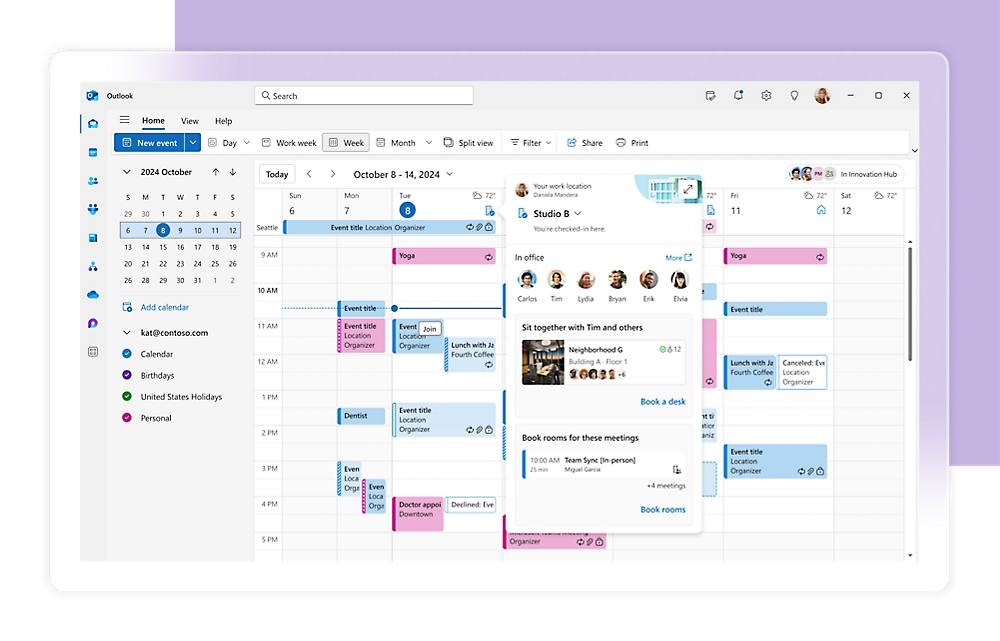
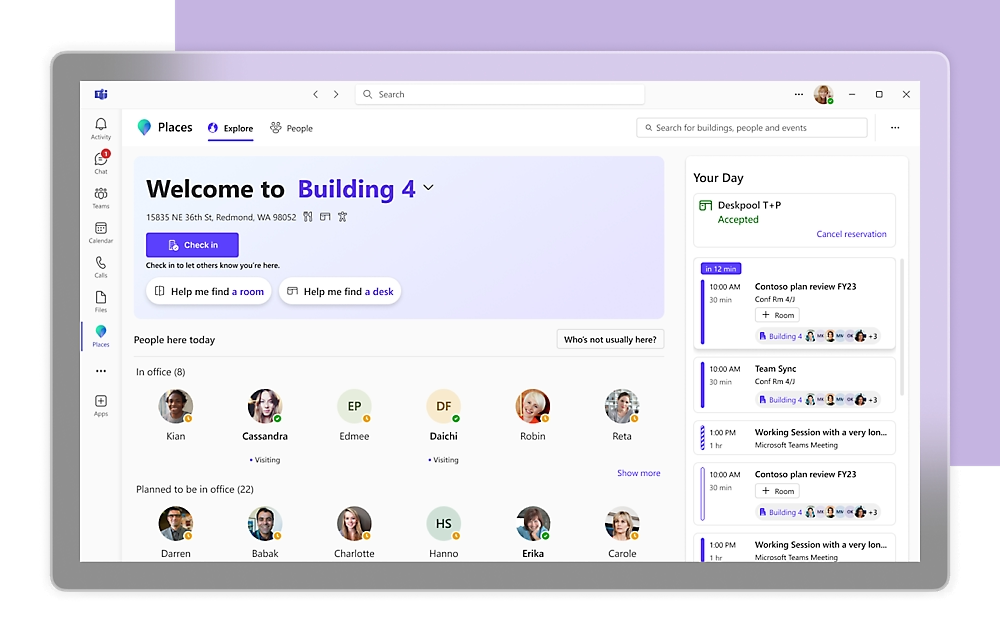
Hybrid work has transformed the way organizations operate. While it offers flexibility and autonomy, it also introduces new challenges for employees and facilities teams alike. Microsoft Places is designed to address these challenges head-on, creating a connected, intelligent workplace experience that integrates seamlessly with Microsoft 365 and allows you to make the most of your office spaces.

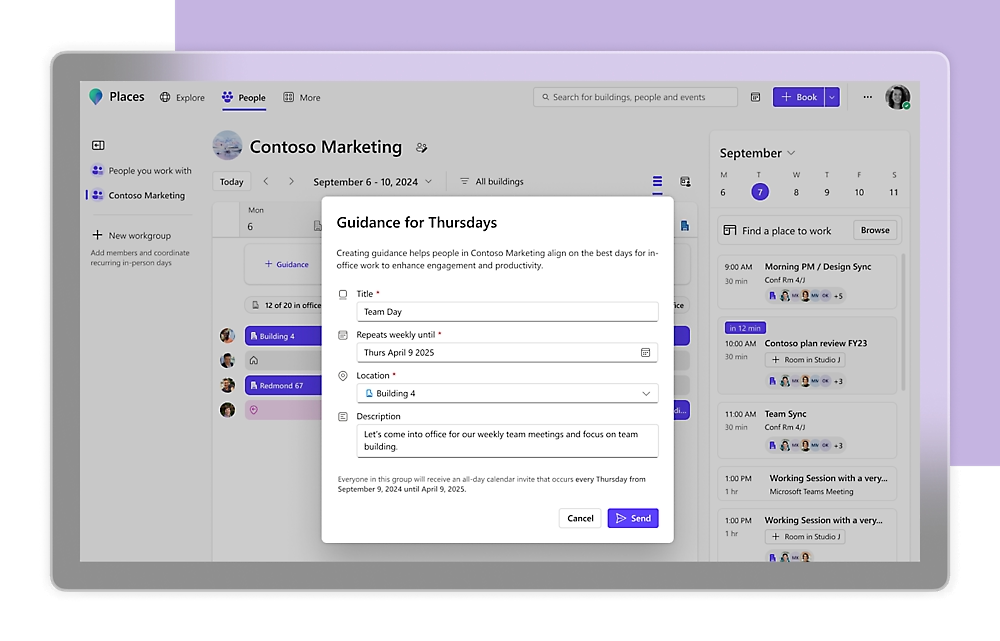
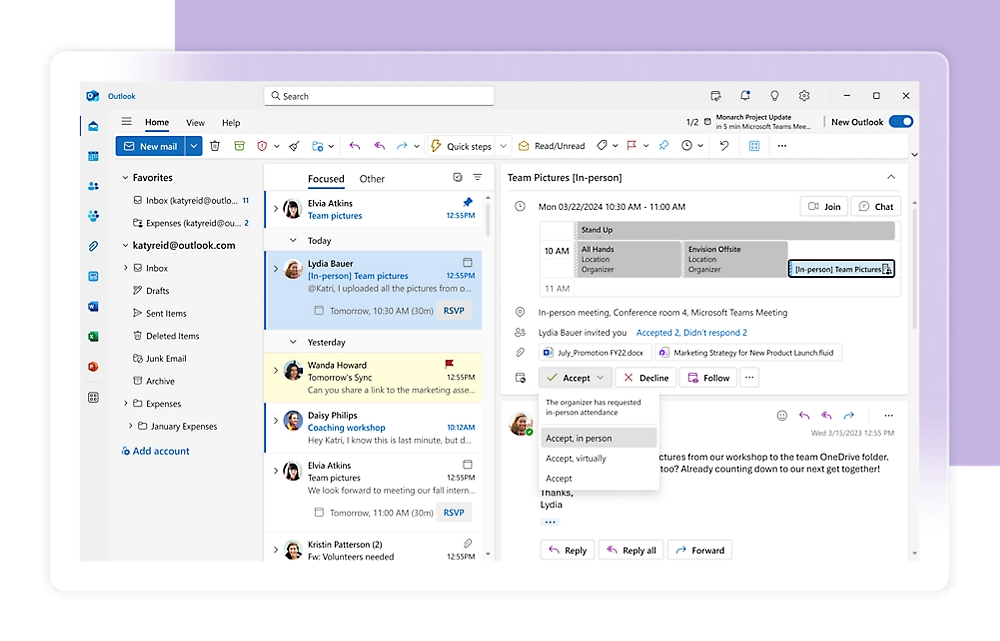
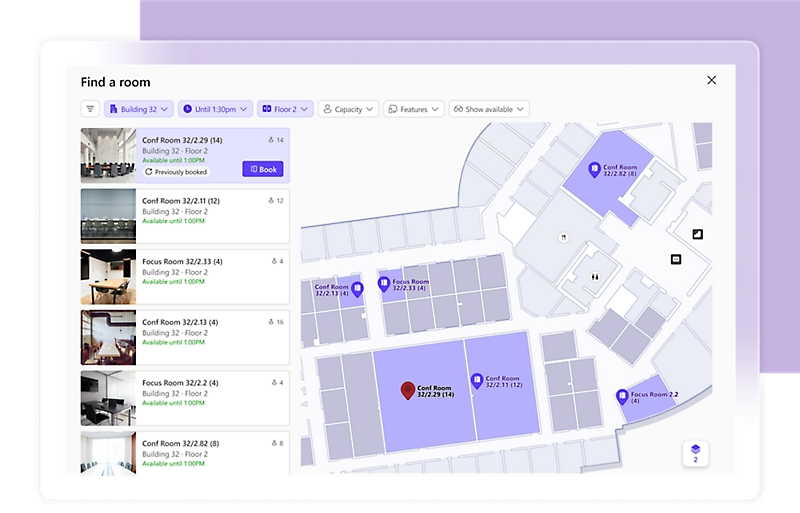
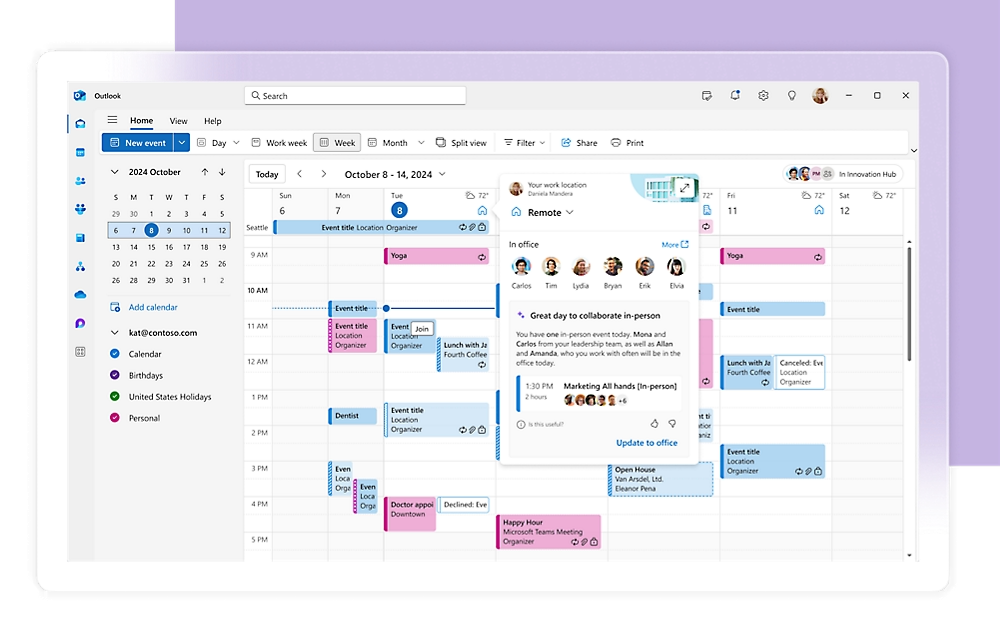
Plan where work happens
Set up team guidance
Schedule in-person events
Book the right spaces
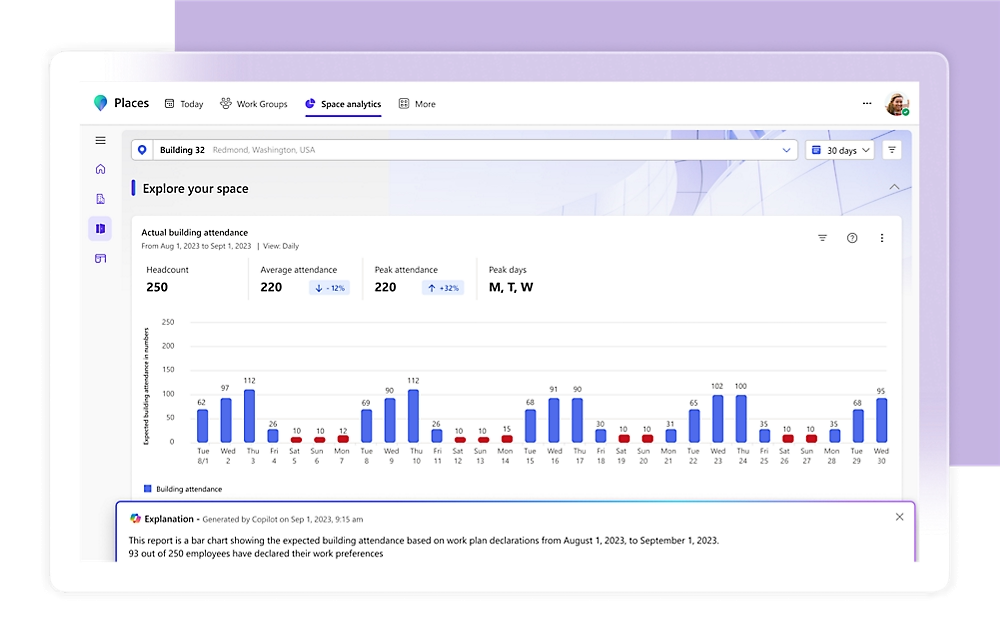
Know when to come in with Copilot
Explore where you work
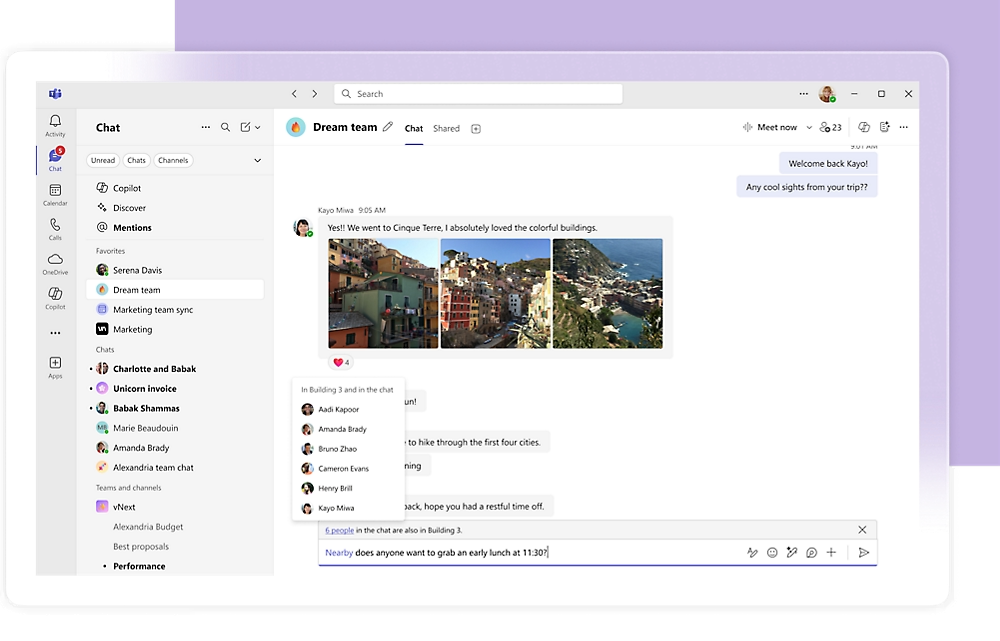
See who's close to you
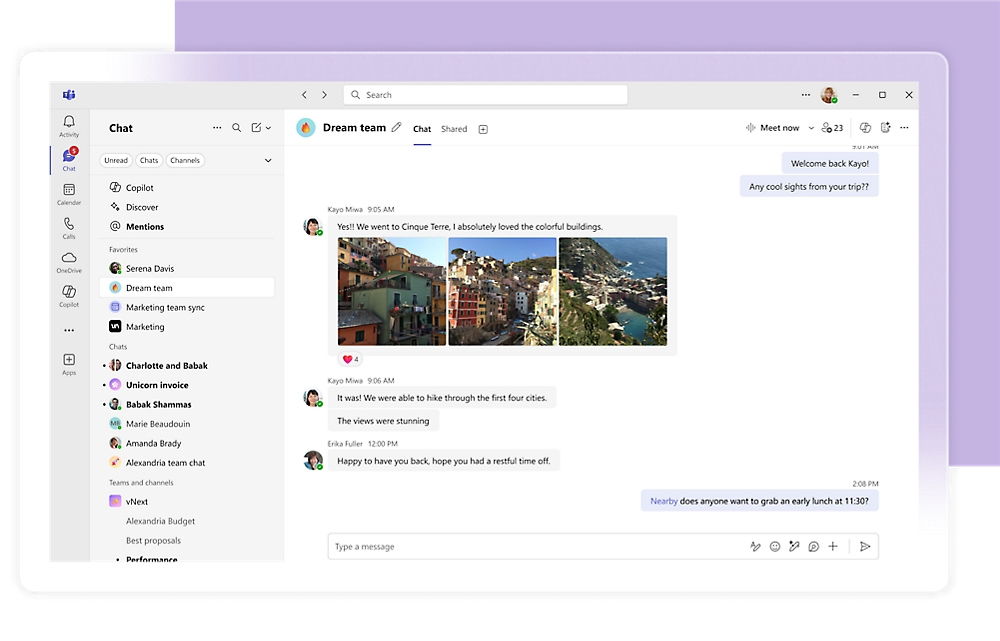
Chat with those nearby
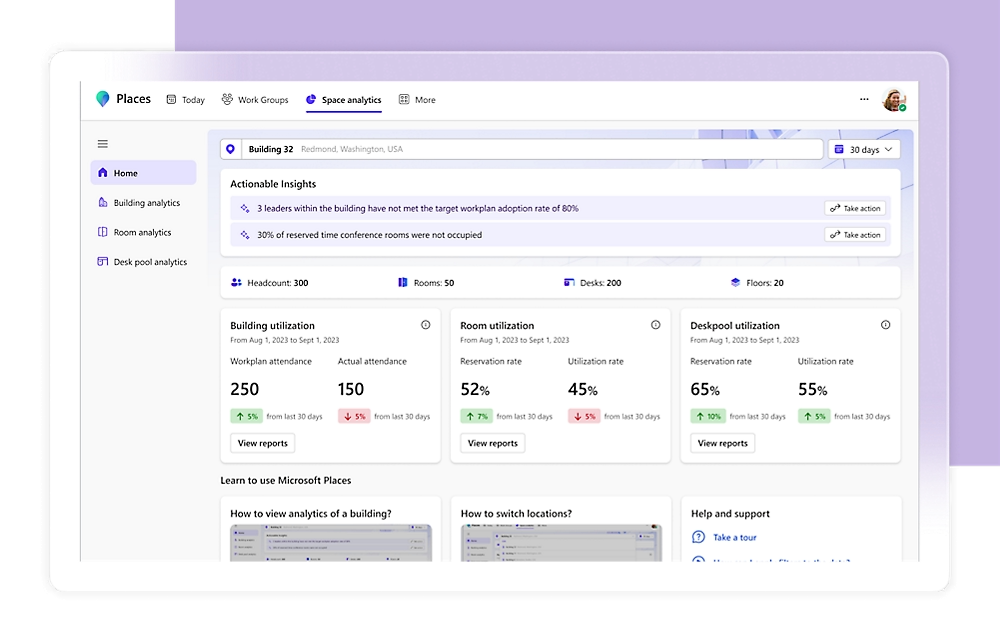
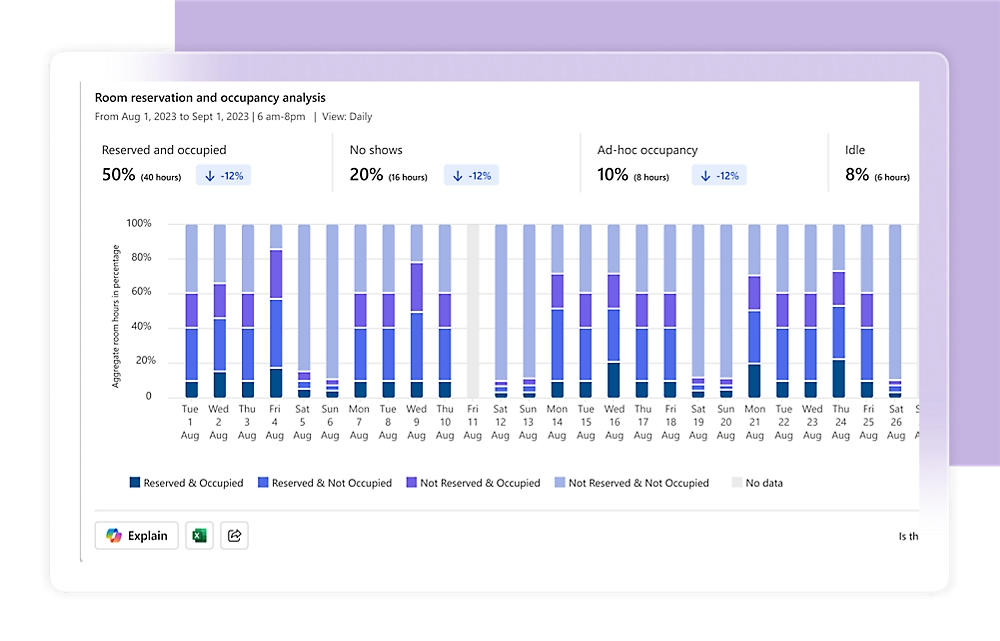
Access occupancy and utilisation data
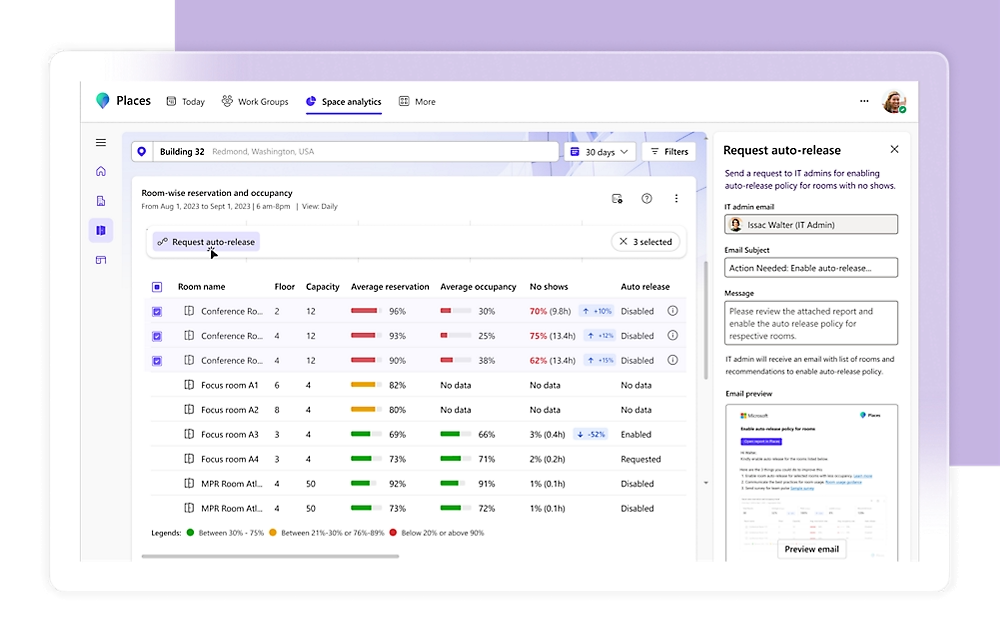
Make data driven decisions
Free up unused spaces with automation
Improve operations with Copilot
Knowledge & Expertise
Read our latest Collaboration Articles
See the latest articles, whitepapers and case studies from our inhouse team of industry experts.

Hybrid working
Your Smart Workplace Starts with Microsoft Teams
PROJECT 183 makes Microsoft Teams work harder for you. From crystal-clear calling and voice compliance to secure collaboration, AI-powered contact centres, certified devices, and smarter meetings—we bring everything together to create a connected, intelligent workplace. Simple, scalable, and ready for the future.

Teams Calling
Replace existing telephony with Microsoft’s Copilot enabled Teams Phone System
Teams Calling
✅ Enterprise-grade voice
✅ Global PSTN connectivity
✅ Advanced AI powered calling
✅ High availability and resilience
Compliant Voice Recording
Enable fully compliant call recording solutions for regulated industries
Compliant Voice Recording
✅ Teams Certified, cloud native
✅ Encrypted, tamper proof recording
✅ 99.999% uptime
✅ PCI muting
✅ Transcription and keyword search
Advanced Security & Compliance
Deploy and manage advanced security and compliance features with Teams Premium
Advanced Security & Compliance
✅ Secure guest access & collaboration
✅ Classify sensitive data and meetings
✅ Protect content with watermarks
AI Powered Contact Centres
Transform customer experience with Teams integrated contact centres
AI Powered Contact Centres
✅ Native Teams integration
✅ Omni channel support
✅ AI powered agent assist
✅ Effortless self service
✅ CRM Integrated
Teams Certified Devices
Choose from a wide range of Teams certified devices
Teams Certified Devices
✅ Latest headsets & cameras
✅ Certified Teams phones
✅ Teams meeting room devices
✅ BYOD equipment
Smart Meetings
Increased efficiency with AI powered hybrid meetings
Smart Meetings
✅ Advanced webinars and townhalls
✅ Live transcription and translation
✅ AI powered voice isolation
✅ Efficiency meetings with agents